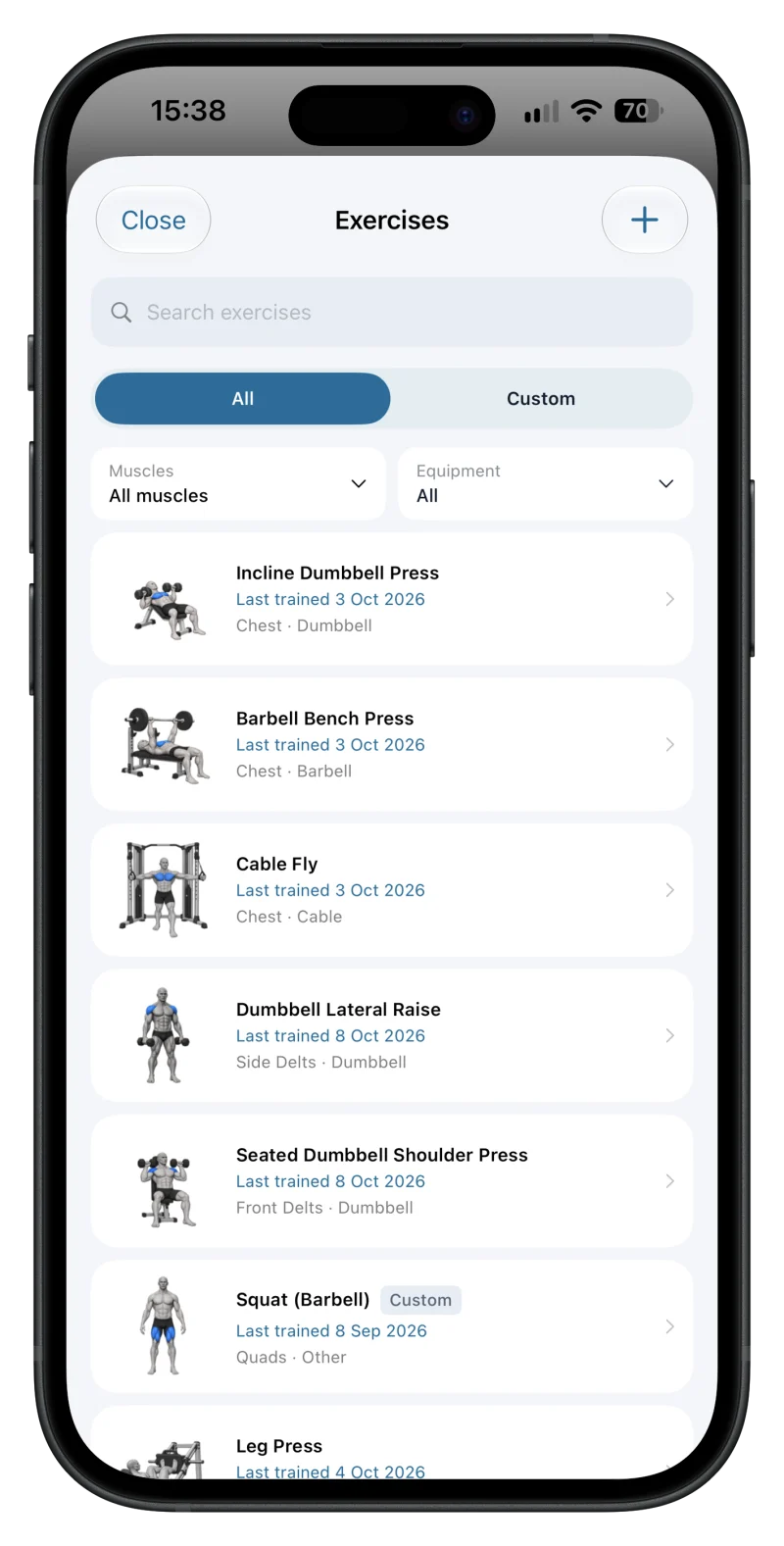
Find an exercise and its history.
Search by name, muscle or equipment, then open its records.
Review training, measurements and activity over time.
Use the records you have logged to compare sessions, follow trends and look back at a month of training and nutrition.
Follow workouts, duration, volume and personal bests. Open a session to see the recorded sets and any timed-block result.
Exercise details show history and supported weight, reps, volume and estimated 1RM trends. Filter the library by muscle and equipment.
Review the muscles involved in your sessions and the number of working sets. Use the map alongside your exercise history.
Record weight and other measurements, with optional notes and photos. A measurement stays private unless you choose to share a progress post.
Training, nutrition, body records and earned achievements appear in one monthly review. Missing records still limit the picture it can show.
View supported steps from Apple Health or Health Connect. See your level journey and the achievements you have earned.
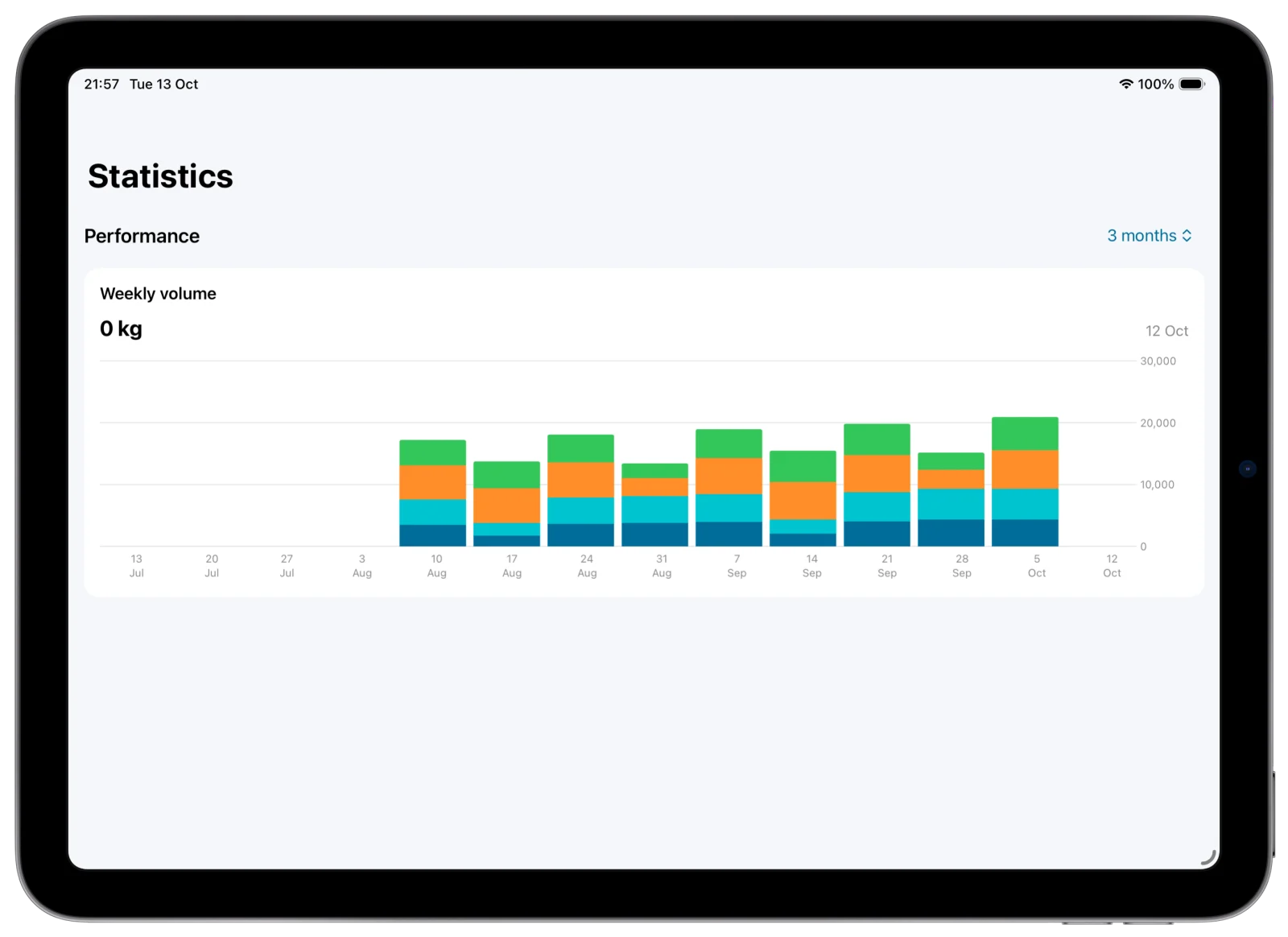
Review weekly training volume and exercise charts on the larger screen. The Progress page also keeps your profile, recent workout and body trends together.
Search by name, muscle or equipment, then open its records.