
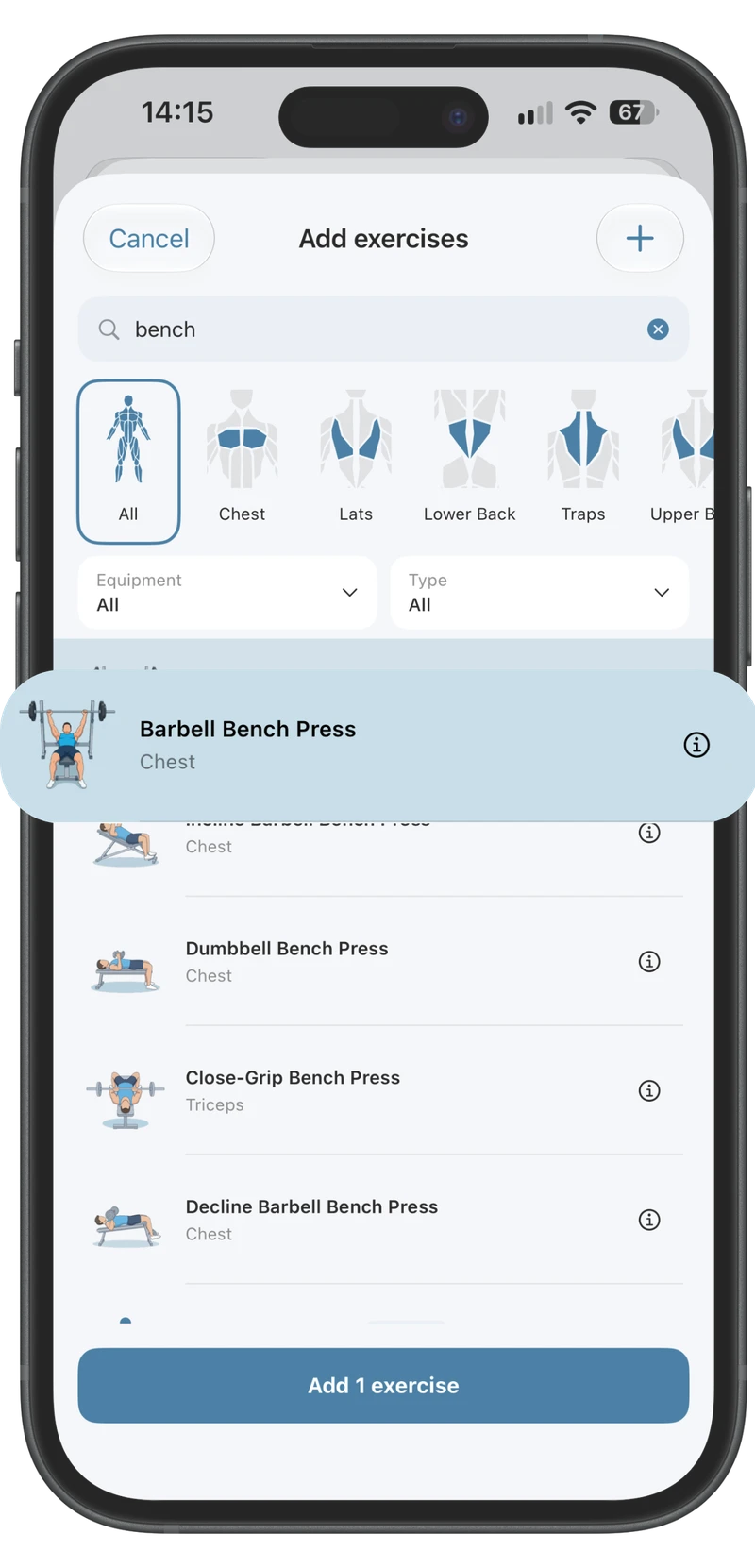
Find your next exercise.
Browse the exercise library, filter by muscle and equipment, and add your own movements.
Build a workout you recognise, record what you actually did and use the history when you train again.
Your plan is the starting point. Train keeps the details of the session: exercises, working sets, warm-ups, reps, load, time and effort.
Choose exercises, arrange their order and organise workouts into groups. Use custom exercises when your equipment or movement needs a different entry.
Record the right metrics for the exercise, including RPE when you want it. Warm-up and other set types remain part of the session’s structure.
Change an exercise or its order during a workout. Review structural changes when you finish rather than silently rewriting your saved routine.
Auto progression uses completed working sets and your equipment to suggest your next targets. Add effort ratings when useful, review the suggested changes, or keep full manual control.
Keep the rest timer nearby while you move through the workout. Resume an active session after checking another page.
Arrange supersets and giant sets, mark warm-ups and drop sets, and keep the structure visible while logging.
Open the plate calculator when you need help loading a bar. Keep the set’s weight and your equipment in view.
Use a guided plan when you want a starting structure. Keep each session’s actual sets and exercise changes in your training record.
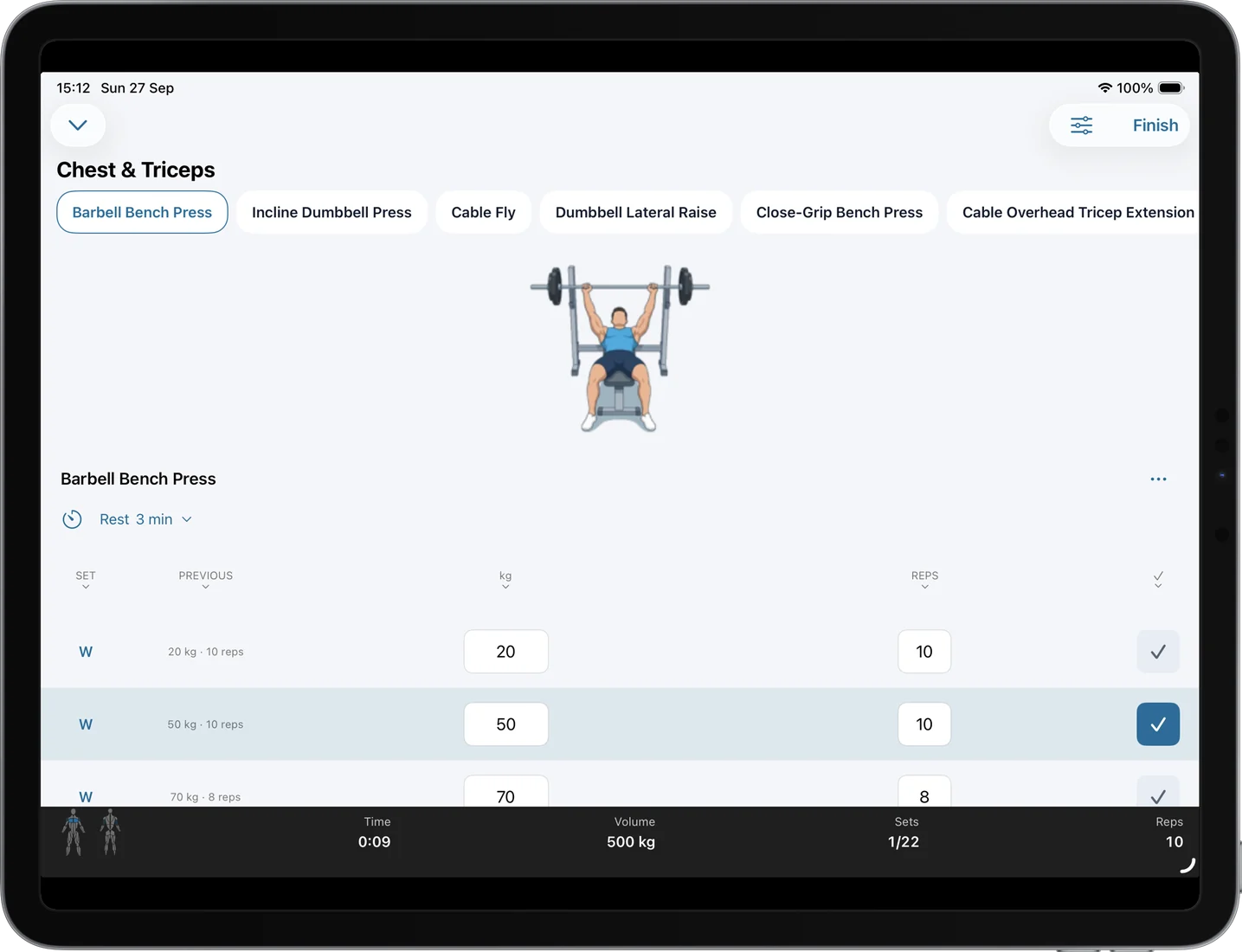
Use the larger iPad layout to keep your exercise, set history and current session in view.
Browse the exercise library, filter by muscle and equipment, and add your own movements.
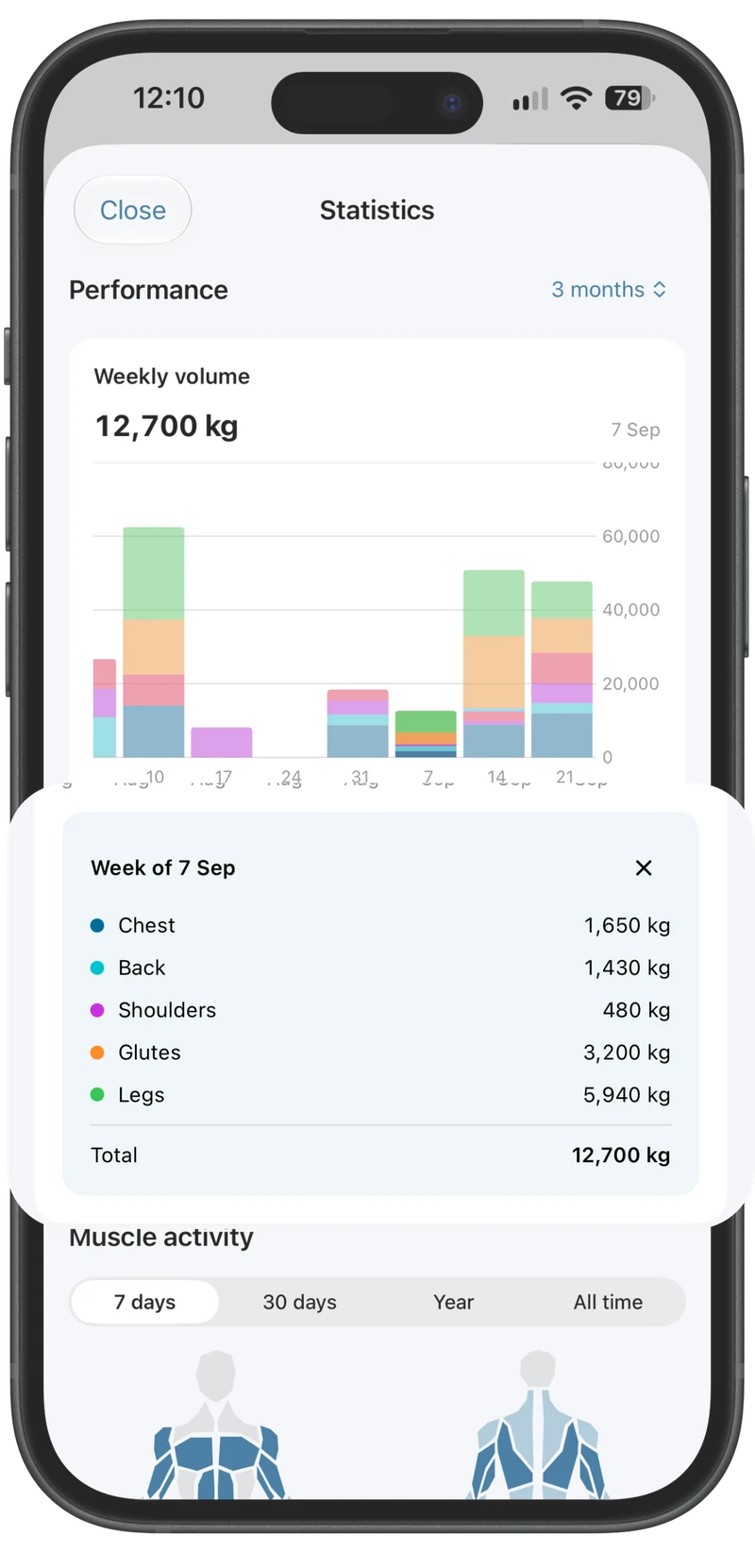
Review your weekly training volume, muscle workload and personal records.